GM Is Adding a Conversational AI Assistant to OnStar. Your Dealership Follow-Up Has to Beat It
GM is adding a conversational AI assistant to its in-car service. My read: that changes what a buyer may expect when they call your store.

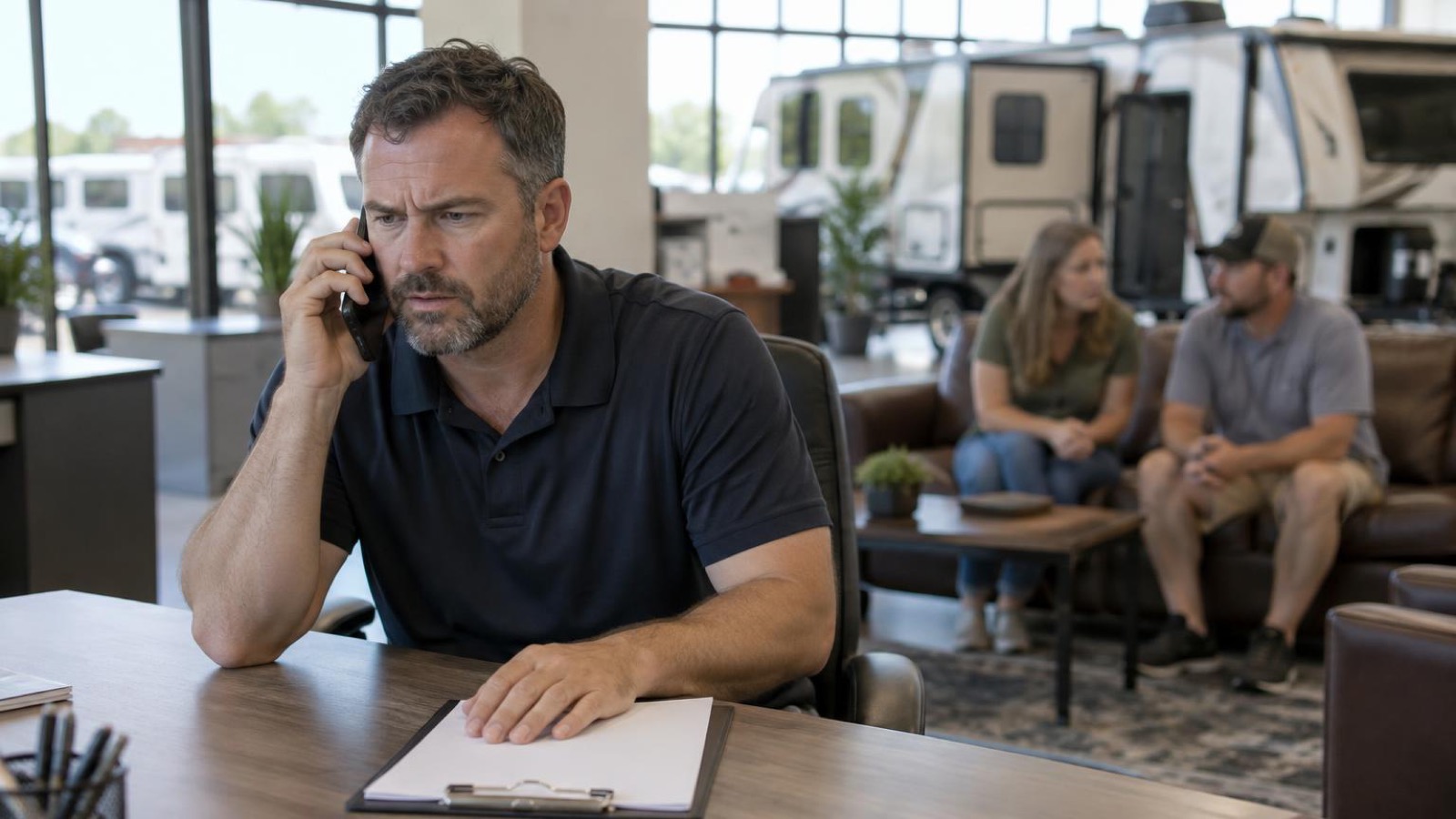
GM is putting a conversational AI helper into OnStar, the in-car service it started in 1996 on certain models. It answers questions about the car itself, checks live range and maps charging stops for EVs, and can send the driver to a human OnStar Advisor. My read: that is the bar your customers will hold your sales desk to.
What GM Actually Announced
GM plans to fold an AI helper into OnStar, a service the automaker has run for years. Per GM, the helper pulls in live details about that one vehicle, plus context and connected services, so answers feel personal and land before the driver asks.
OnStar goes back to 1996, when GM offered it on a limited set of models. For years, drivers have used it to get a live person on the line for roadside help or other problems, a flat tire among them.
The change is the conversation. GM says drivers get more tailored help and deeper insight, and the system can finish complicated jobs that a general-purpose assistant cannot.
This helper is tied to one specific vehicle. GM describes it as a sort of owner's manual for that car, able to walk a customer through safety features like lane-keep assist and answer how-to questions. On a GM electric vehicle it can check current range and map out charging stops. And when a person is needed, it can hand the driver over to a human OnStar Advisor.
My read: notice the pattern. The assistant answers first, and it can hand off to a live person when needed. Hold that thought, because it is the same pattern your sales desk either has or does not have.

What Changes in the OnStar App
A new AI-powered version of the OnStar phone app is on the way. It replaces today's Guardian app and the separate apps for Buick, Cadillac, Chevrolet and GMC, so an owner gets one experience no matter which GM model or device they pick up.
The new version also pairs with cameras connected to the car. When something sets them off — GM's example is an aggressive horn honk — the cameras record the moment, push the clip up to the OnStar app and fire off an alert so the owner can look it over.
OnStar Family is part of it too. GM says the feature links family members to their vehicles and daily routines, so they can pass along destinations, line up pickups, keep tabs on other family cars and get safety or community alerts.
GM also says it tackles privacy worries that go back years, with new analytics data streams and rules that let people opt out. A feature stays dormant unless the customer opts in up front, and they can shut it off whenever they want. The permission settings for the camera, mic, location and AI are clearly marked and kept simple. Every camera clip is encrypted, and it expires after a set window. And WardsAuto reports that GM cannot open any of those recordings.
So why does any of this matter to a store that sells trailers or side-by-sides? My read: it matters because of what your buyer may soon treat as normal.
What It Means for an RV Dealer's Phone (My Read)
This part is opinion, so take it as mine.
Picture a couple who has done their homework on travel trailers. They pull onto your lot on a Saturday and ask a rep how a weight-distribution hitch works and whether their truck can pull a specific model. A couple who is used to instant answers from a machine may arrive with that habit. My read: the habit may travel with them onto your lot.
Your competition is no longer just the store down the road. It is the two-second answer. A shopper who gets an instant reply from a machine will not sit quietly for two days waiting on a payload number from your team.
Here is the second scenario I would think about. Picture a service customer who calls about a slide-out that will not retract before a trip. The store that answers, asks two smart questions and books the appointment wins that trip — and probably the next unit. Same expectation, different department. My read: that expectation was already there. The assistant in the dash just made it louder.
What It Means for a Powersports Dealer (My Read)
Picture a guy who calls your store late on a Friday about a side-by-side. He wants to know towing capacity, whether it fits in his trailer, and what a monthly payment looks like. Whoever answers all three first is the store he drives to on Saturday morning.
That was true before this announcement. What changed is how fast he expects the answer, and how little patience he has for a voicemail that never gets returned.
My read: the bar keeps moving up, and it moves fastest in the first five minutes of a lead's life. Speed is the one thing you control that your competitor cannot copy by Friday. Everything below is built to protect that five minutes.
How to Use This Week
- Call your own store from your cell. Time how long it takes for a human to pick up. Do it at 7 p.m. and again on Sunday morning. Write both numbers on a sticky note and put it where your team can see it. Ten minutes, start to finish.
- Pull every lead from last week that only got one touch. Put them in one list. If those leads are spread across a desk phone, a text app, Facebook messages and a web form inbox, that is the first thing to fix, because you cannot follow up on what you cannot see.
- Write down the three questions your buyers ask first. My read: at an RV store that is payload, hitch setup and what the walkthrough includes. At a powersports store it is towing, financing and whether the unit fits their trailer. Give every rep the same short answer so nobody improvises.
- Set a first-response rule and post it. Something like: every new lead gets a reply within 15 minutes during open hours, and anything that lands overnight gets a text by 9 a.m. Pick your own numbers, but pick them and write them down.
- Build three reply templates and let reps personalize them. Here are examples you can paste into whatever AI tool you already pay for.
- Example for an RV lead: ask for a short text to a shopper who asked about a travel trailer's dry weight and whether their truck can pull it. Have it ask what truck they drive, offer two times to walk the unit, and keep the reply short.
- Example for a powersports lead: ask for a short text to a customer who asked about a side-by-side's towing capacity and payment options. Have it ask which day they can come in and keep it short.
- Example for an old lead: ask for a short follow-up to a powersports lead who asked about a used ATV two days ago and stopped replying. Have it give one reason to come in this week and ask one question.
- Put one person in charge of the overnight pile. Not the whole team. One name, every morning, before the doors open. Rotate it weekly if you have to, but somebody owns it.
- Read five conversation threads out loud at your Monday meeting. Five minutes. You will hear exactly where your team loses people, and you will fix it faster than any training video.
Mistakes to Avoid
- Treating this as car news. Your buyers do not care about GM's roadmap. They care that they got an answer in two seconds and then waited two days on your store.
- Buying software to fix a habit. If nobody owns the overnight leads today, a new tool just gives you a faster record of the same problem.
- Letting reps write paragraphs. Long replies read like a brochure. Short, specific, one question.
- Using the same script on everyone. A guy asking about towing and a couple asking about a bunkhouse are two different conversations. Ask one question that moves the deal, then stop talking.
One Thread Per Customer
Every step above falls apart if the conversation lives in five different places. That is the part I would fix first.
A lead who calls at night and texts in the morning should land in one view, not five. The rep should see what was said, what was promised and what comes next. If your desk cannot do that today, list every place a lead can reach you, then name who owns each one.
My read: the tool matters less than the rule. Pick one place where every lead must be written down. Make it the same place every rep checks at the start and end of a shift. If a lead comes in by phone, text, social message, email or form, it goes there. No exceptions.
That is not a software problem first. It is an ownership problem. Name the person. Name the backup. Name the time of day the overnight pile gets cleared. Then hold the team to it.
If you are going to shop for help, ask one question: can every person on the desk see the whole conversation in one place? If the answer is no, keep looking. Do not buy a tool to cover a habit you have not fixed.
This is where a store can lose the five minutes I talked about. Not at the first reply. At the handoff. The first rep goes home. The next rep opens a different screen. The lead repeats the story. The buyer feels it.
Fix that and the rest of this list gets easier. A single thread, a named owner and a written rule will beat a new app every time.
See SalesBeast CRMOpens salesbeast.com
Disclosure: Brandon Correll founded SalesBeast, which is mentioned and advertised on this page. Facts are drawn from the linked sources; analysis and advice are his opinion.
Brandon Correll founded SalesBeast. Over $75 million in online sales, built two companies to eight figures, and built multiple 8-figure sales teams.
 AI
HVAC and Roofing Owners: Five AI Prompts for the Marketing Chores That Eat Your Week
Keep reading
 AI
Most Vendors Selling "AI Agents" Are Not Selling Real Agents. Your Sales Team Needs to Ask 4 Questions
 AI
77% of Surveyed Small Business Owners Say They Use AI. What It Means for Your Sales Team
 AI
8 PM on a Saturday: The Lead Lahzo's CEO Wants Answered
 AI
Okta Says 80% of Agentic Commerce Projects Are Stalled — and Buyers Want a Say Before an Agent Acts
 AI
Agents Miss 40 to 46 Percent of Incoming Calls. AI Now Answers Them First.
 AI